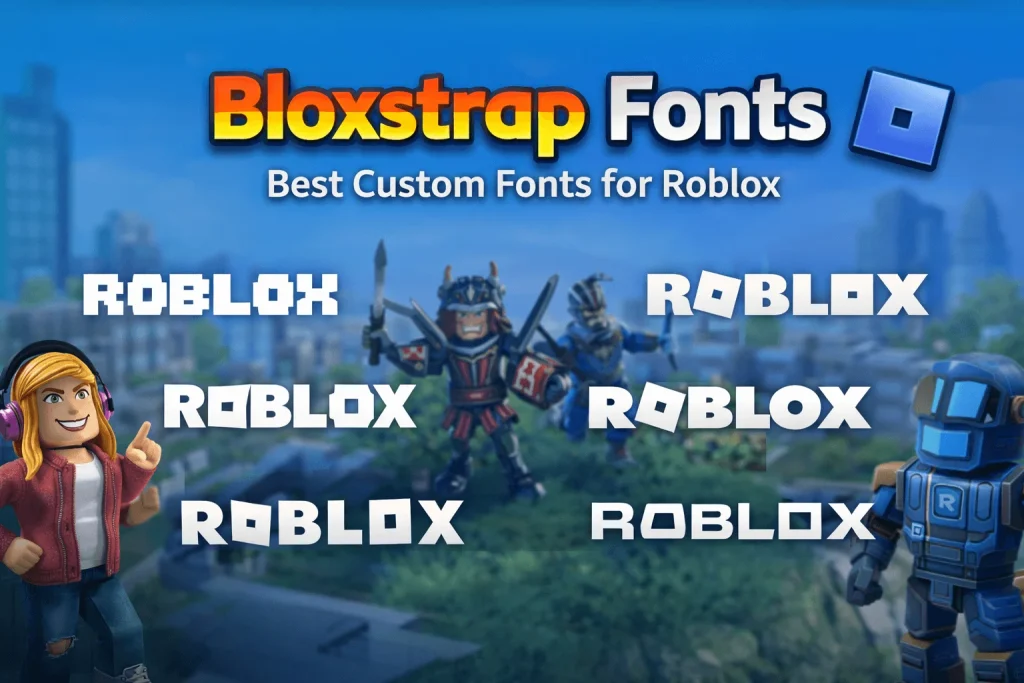
Bloxstrap Fonts | Best Custom Fonts for Roblox
Personalizing Roblox goes far beyond avatars and skins. One of the simplest and most powerful ways to change how Roblox feels is by using bloxstrap fonts. Fonts shape how menus look, how chat feels, and how easy everything is to read. A clean font can make your interface calm and modern. A pixel font can turn your launcher into a retro console. A bold sci-fi font can make Roblox feel like a futuristic game.
Bloxstrap makes this possible. With a few clicks, you can replace Roblox’s default text style and turn the entire interface into something that matches your taste. Whether you want better readability, a more immersive look, or just something fun, bloxstrap fonts give you full control over how your Roblox UI looks and feels.
This guide explains everything you need to know. What bloxstrap fonts are, why they matter, the best fonts to use, how to install them correctly, and how to fix common problems. By the end, you will know exactly how to make your Roblox interface truly yours.
What Are Bloxstrap Fonts?
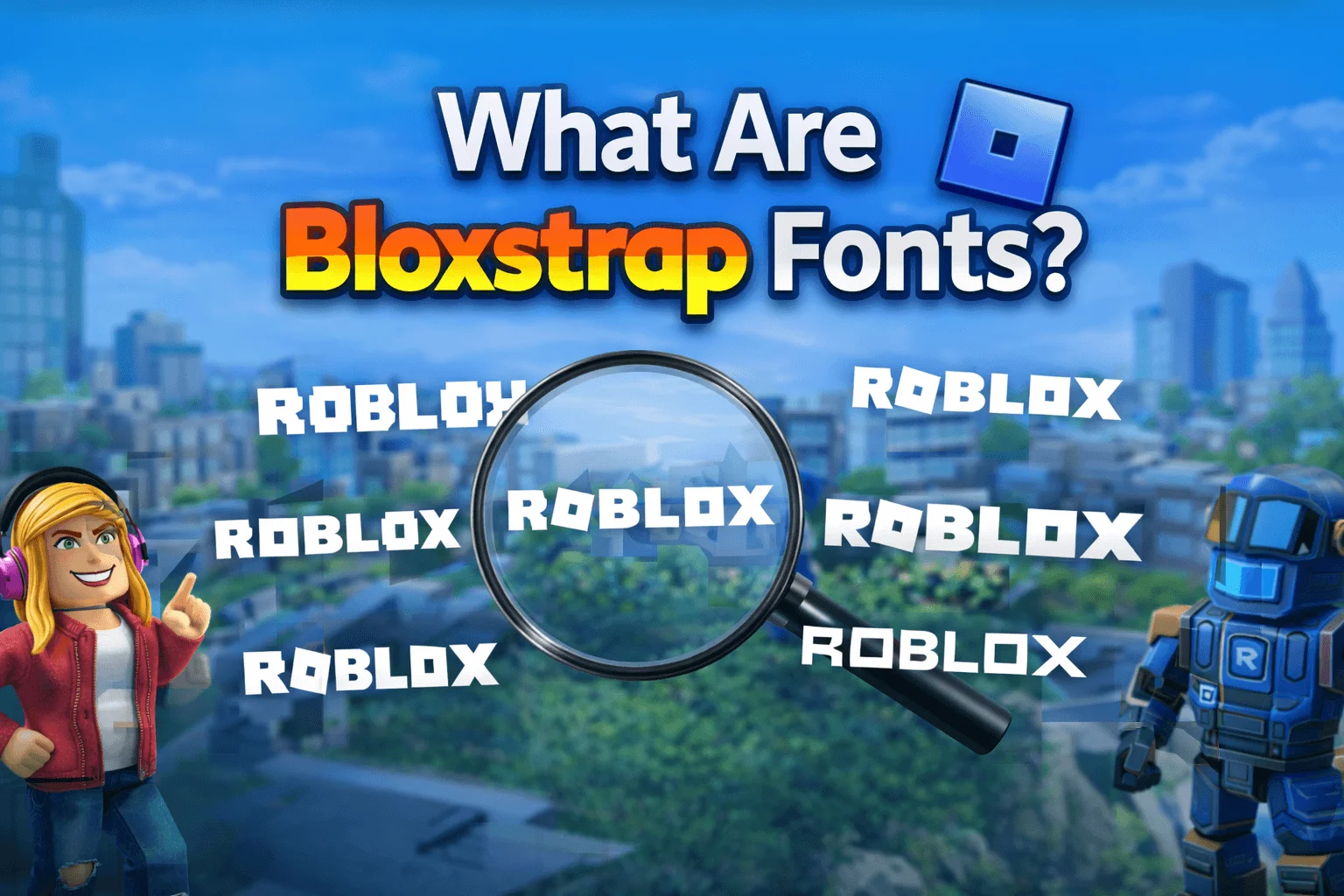
Bloxstrap fonts are custom text styles that you apply to Roblox using the Bloxstrap launcher. Bloxstrap is an open-source Roblox launcher that lets players control many parts of the Roblox client. It allows changes to themes, startup behavior, performance flags, and user interface appearance.
When you change the font through Bloxstrap, the new font replaces Roblox’s default UI font. This affects menus, chat windows, settings panels, and many interface elements. The change happens locally on your computer. Other players will not see your font. It only affects how Roblox looks for you.
This system is simple but powerful. Instead of being locked into one default style, you can choose a font that matches your personality, your gaming setup, or even your favorite game themes. That is why bloxstrap fonts have become so popular among players who love customization.
Why Change Fonts in Roblox Using Bloxstrap?
Fonts influence more than just appearance. They shape comfort, clarity, and immersion. Changing fonts in Roblox using Bloxstrap offers real advantages.
Better readability is the first reason many players try custom fonts. Some default fonts can feel small, thin, or tiring after long sessions. A clean sans-serif font with proper spacing makes menus and chat easier to read and reduces eye strain.
Personal style is another big reason. Roblox is about creativity. Your interface should reflect that. A modern font gives a professional feel. A playful font adds charm. A retro font brings nostalgia. With bloxstrap fonts, your launcher becomes part of your identity.
Immersion also improves. Game-inspired fonts can match your favorite genres. Pixel fonts fit classic games. Sci-fi fonts enhance futuristic experiences. Fantasy fonts complement role-playing games. Small visual changes can make gameplay feel deeper and more connected.
Accessibility matters too. Some fonts are easier to read for players with vision issues or dyslexia. Choosing a clear, well-spaced font can make Roblox more comfortable and inclusive.
Finally, customization simply feels good. When your interface looks the way you want, the whole experience becomes more enjoyable.
Best Fonts for Bloxstrap
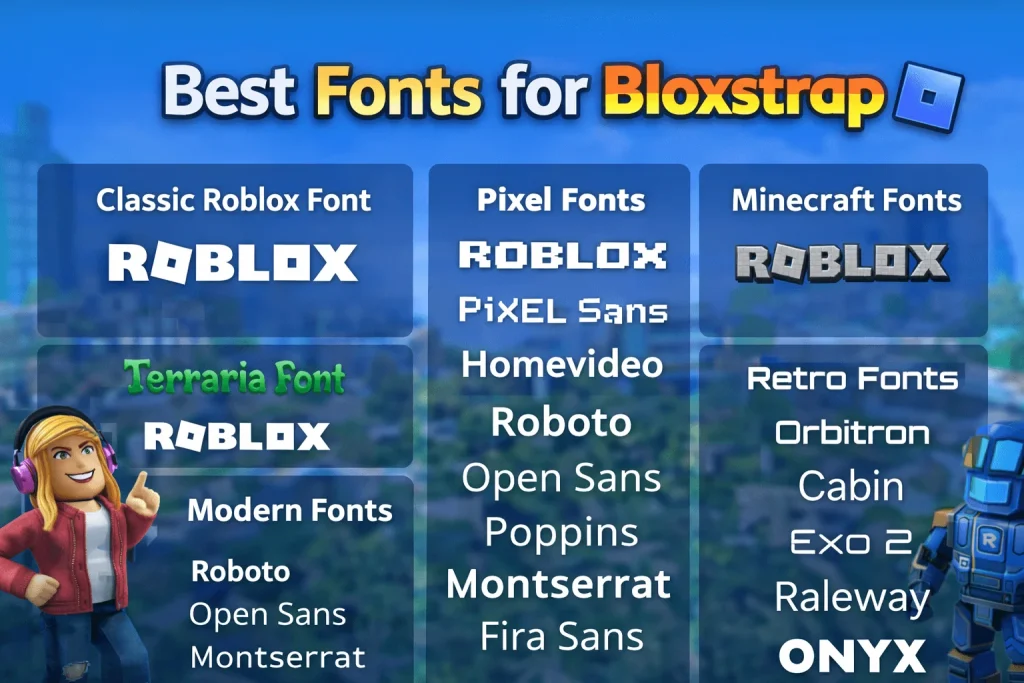
Choosing the right font depends on your taste and how you use Roblox. Some players want simplicity. Others want bold style. Below are the most popular and reliable options that work well with bloxstrap fonts.
Classic Roblox Font
The classic Roblox font brings back the original look many players remember. It is simple, clean, and familiar. This font is perfect for players who want nostalgia without sacrificing readability. It blends naturally with Roblox’s interface and feels authentic.
Pixel Fonts
Pixel fonts create a retro arcade vibe. They use blocky letters inspired by early video games. These fonts work best for menus and titles rather than long chat sessions. Pixel fonts are ideal if you love old-school gaming aesthetics and want your launcher to feel like a vintage console.
Minecraft Fonts
Minecraft fonts are instantly recognizable. They are blocky, bold, and playful. Using them in Roblox creates a fun crossover between two gaming worlds. These fonts add personality and work well for players who enjoy sandbox and survival games.
Terraria Font
The Terraria font has a medieval and adventurous feel. It fits fantasy themes and role-playing experiences perfectly. This font gives menus a handcrafted style that feels unique and immersive.
Roboto
Roboto is one of the best all-around choices. It is clean, modern, and highly readable at all sizes. Many apps and games use it because it works well on any screen. Roboto is perfect if you want a professional look with excellent clarity.
Open Sans
Open Sans is balanced and friendly. It feels natural and easy on the eyes. This font works great for long sessions, chat windows, and detailed menus. It fits almost any theme without drawing too much attention.
Poppins
Poppins is rounded and modern. It has soft curves that give the interface a playful but polished feel. This font works well for players who want something stylish without losing readability.
Montserrat
Montserrat is sleek and geometric. It gives Roblox a sharp, modern appearance. This font is ideal for players who like clean layouts and tech-inspired designs.
DM Sans
DM Sans is minimal and elegant. It keeps things simple while still looking refined. This font works especially well for settings panels and launchers where clarity matters most.
Fira Sans
Fira Sans is built for screens. It has excellent spacing and strong readability. Menus feel organized and navigation becomes effortless. This font is great for players who spend a lot of time browsing settings or managing accounts.
Nunito
Nunito is friendly and rounded. It balances fun and clarity very well. This font works nicely for casual players who want something warm and approachable.
Orbitron
Orbitron is bold and futuristic. It fits sci-fi themes perfectly. If you love space games, cyber designs, or high-tech aesthetics, this font transforms your interface into something sleek and modern.
Cabin
Cabin is smooth and comfortable to read. It blends style with function and works well for both menus and chat. This font is a great choice for long gaming sessions.
Exo 2
Exo 2 has a modern and futuristic style. It works well for tech-heavy setups and gaming themes. The letters are clean and structured, giving Roblox a high-end look.
Raleway
Raleway is elegant and lightweight. It works beautifully for headers and menu titles. This font adds a subtle sense of class without hurting readability.
Press Start 2P
Press Start 2P is a true arcade font. It brings instant nostalgia and works great for retro-inspired setups. It is best used for menus rather than chat due to its blocky style.
Homevideo
Homevideo is playful and quirky. It gives your interface a fun personality and works well for casual or creative themes.
Architype Font
Architype is structured and clear. It enhances readability and gives the interface a professional tone. This font works well for players who prefer a serious, organized look.
Onyx Font for Bloxstrap
Onyx is tall and bold. It works best for titles and emphasis text. This font adds authority and style, making important elements stand out clearly.
Game-Specific Fonts
Some players enjoy matching their fonts to their favorite games. Game-specific fonts create stronger immersion and a themed experience.
Roblox Fonts for Bloxstrap
Official Roblox-inspired fonts preserve the platform’s identity while improving clarity. These fonts feel native and blend naturally with the interface.
Minecraft Fonts for Bloxstrap
Minecraft fonts bring blocky charm and playful energy. They are perfect for fans who enjoy building games and pixel aesthetics.
Pixel Fonts for Bloxstrap
Pixel fonts create classic arcade vibes. They work best for retro themes and nostalgic setups.
Terraria Font for Bloxstrap
Terraria fonts fit fantasy adventures and RPG experiences. They add character and atmosphere to menus and panels.
How to Install Custom Bloxstrap Fonts
Installing bloxstrap fonts is simple and takes only a few minutes. Follow these steps carefully for the best results.
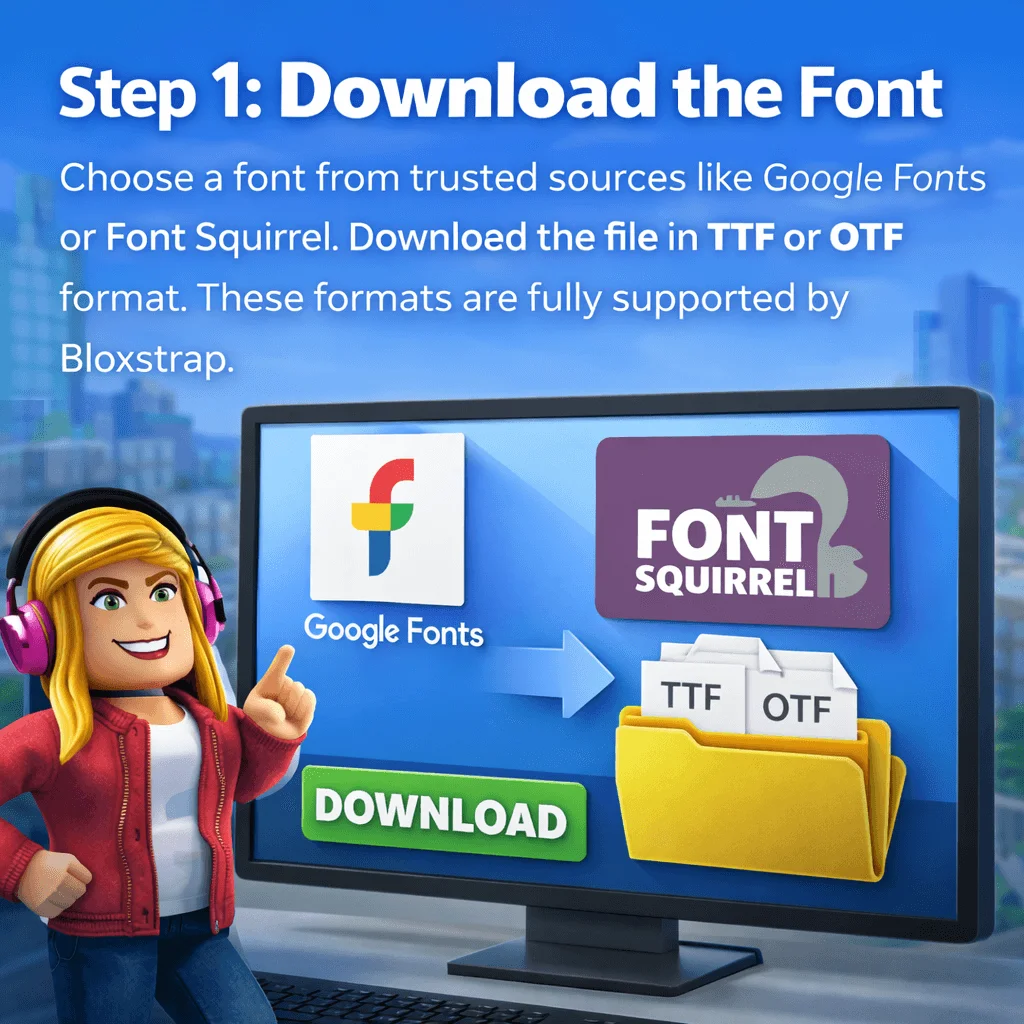
Download the Font
Choose a font from trusted sources like Google Fonts or Font Squirrel. Download the file in TTF or OTF format. These formats are fully supported by Bloxstrap.
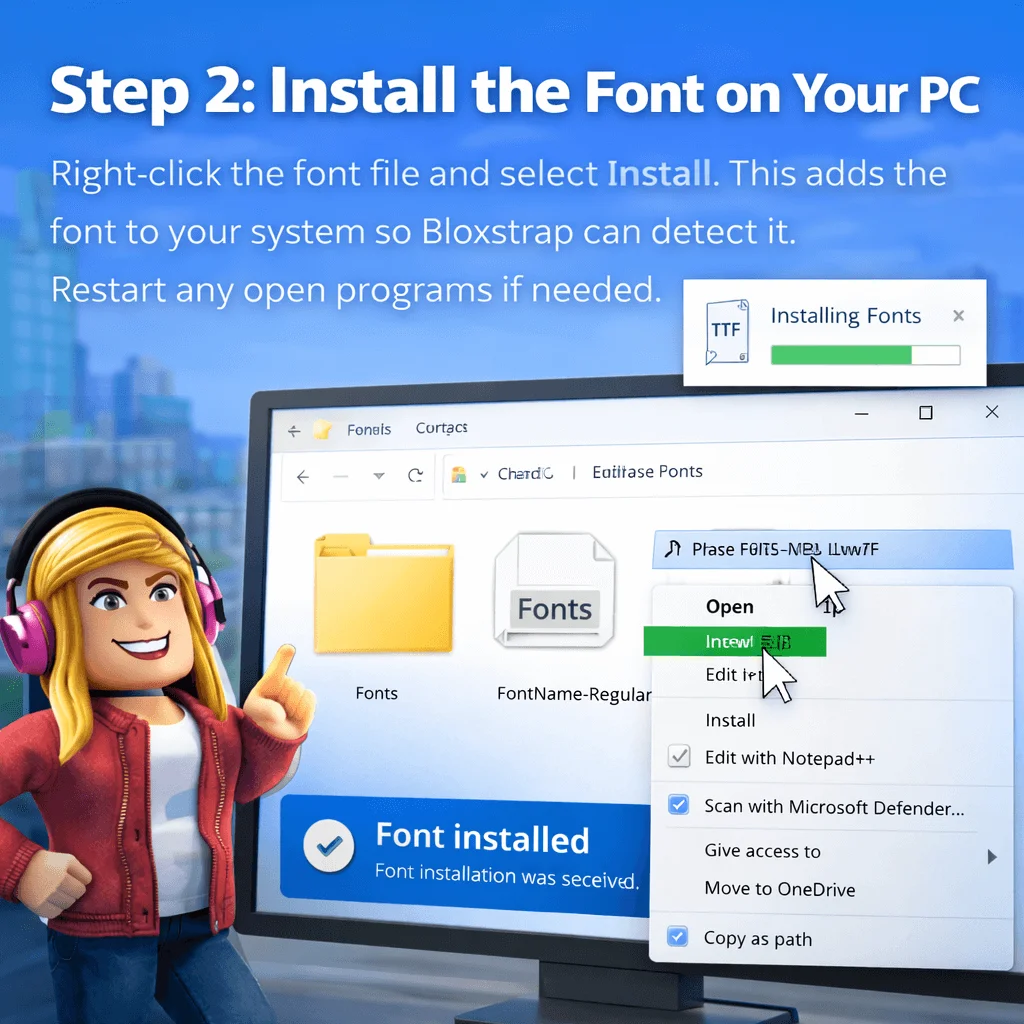
Install the Font on Your PC
Right-click the font file and select Install. This adds the font to your system so Bloxstrap can detect it. Restart any open programs if needed.
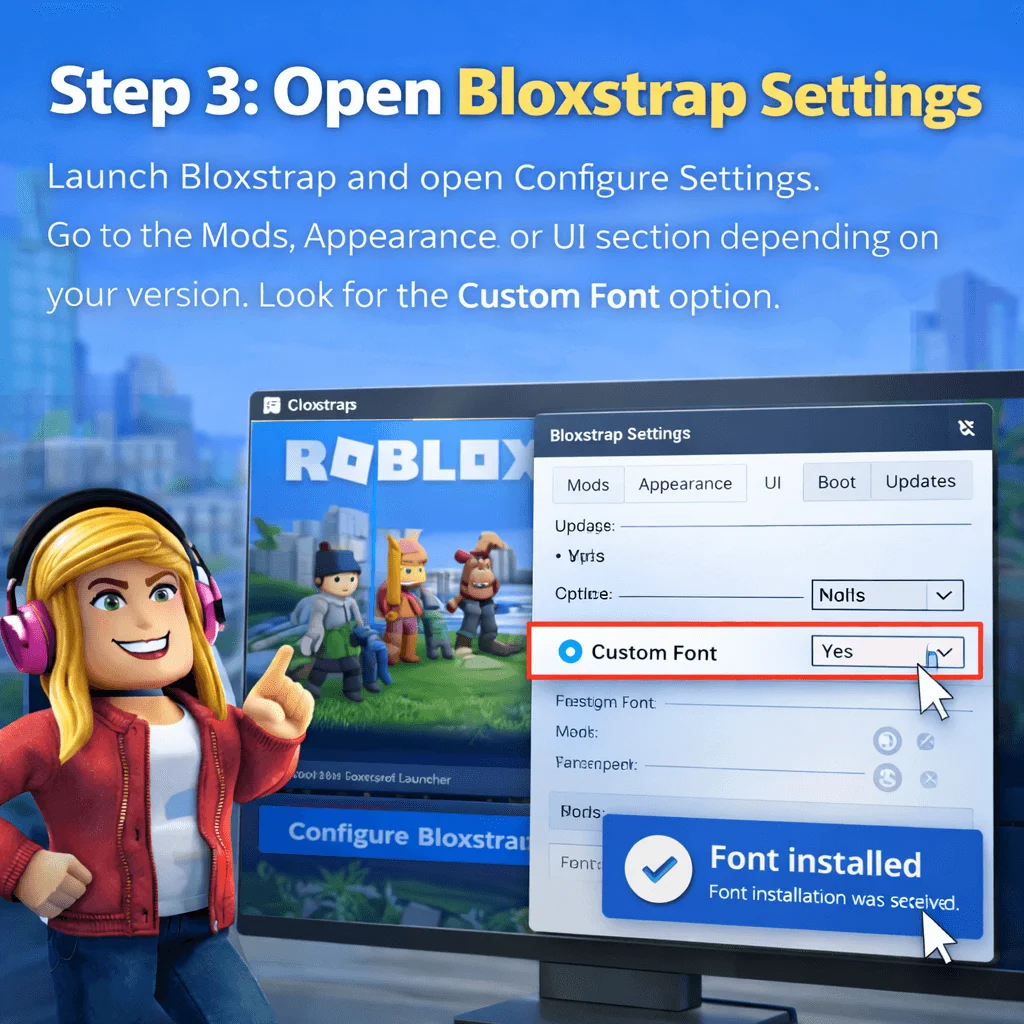
Open Bloxstrap Settings
Launch Bloxstrap and open Configure Settings. Go to the Mods, Appearance, or UI section depending on your version. Look for the Custom Font option.
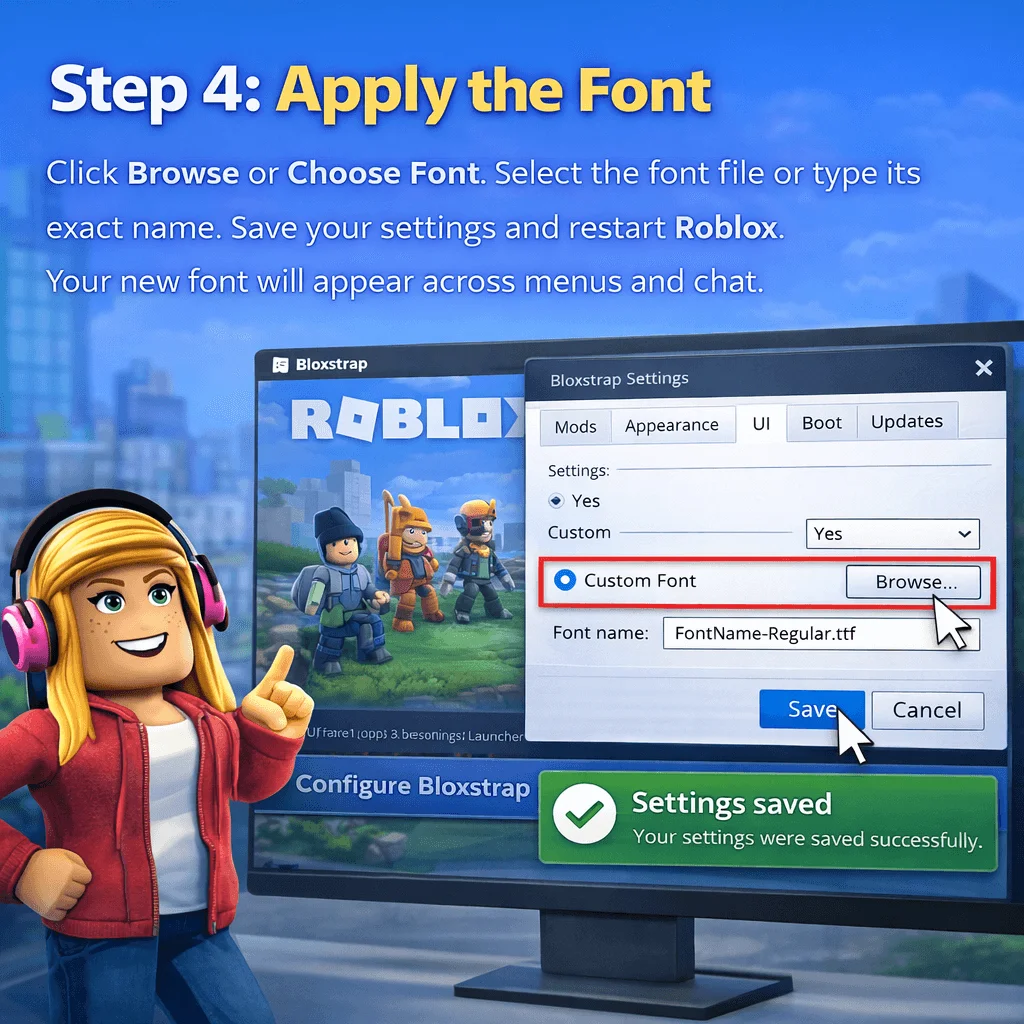
Apply the Font
Click Browse or Choose Font. Select the font file or type its exact name. Save your settings and restart Roblox. Your new font will appear across menus and chat.
Troubleshooting Font Issues
Sometimes fonts do not apply correctly. If your font does not show, first restart both Bloxstrap and Roblox. Make sure the font file is properly installed on your system.
Check that the font supports all characters used in chat. Some decorative fonts lack symbols or non-English letters, which can cause blank text.
If the interface looks broken, try a different font with better spacing. Update Bloxstrap to the latest version to avoid compatibility issues.
Reinstalling Bloxstrap usually fixes persistent problems.
Can You Revert to the Default Roblox Font?
Yes. Reverting is easy. Open Bloxstrap settings, go to the font section, and choose the default option. Save and restart Roblox. The original Roblox font will return instantly.
Frequently Asked Questions
Conclusion
Bloxstrap fonts are one of the easiest and most rewarding ways to personalize Roblox. With a simple change, you can improve readability, reduce eye strain, strengthen immersion, and express your style. From clean modern fonts to playful pixel designs, the choices are endless.
Custom fonts do not affect performance, do not change gameplay, and can be reverted anytime. That makes them a safe and fun way to enhance your experience.
If you enjoy customization, bloxstrap fonts are worth exploring. Try different styles, match them to your favorite games, and build an interface that feels truly yours. Roblox is about creativity. Your fonts should reflect that.